StrmrX blog
9 Twitch Chat Interaction Ideas That Work on a Small Stream
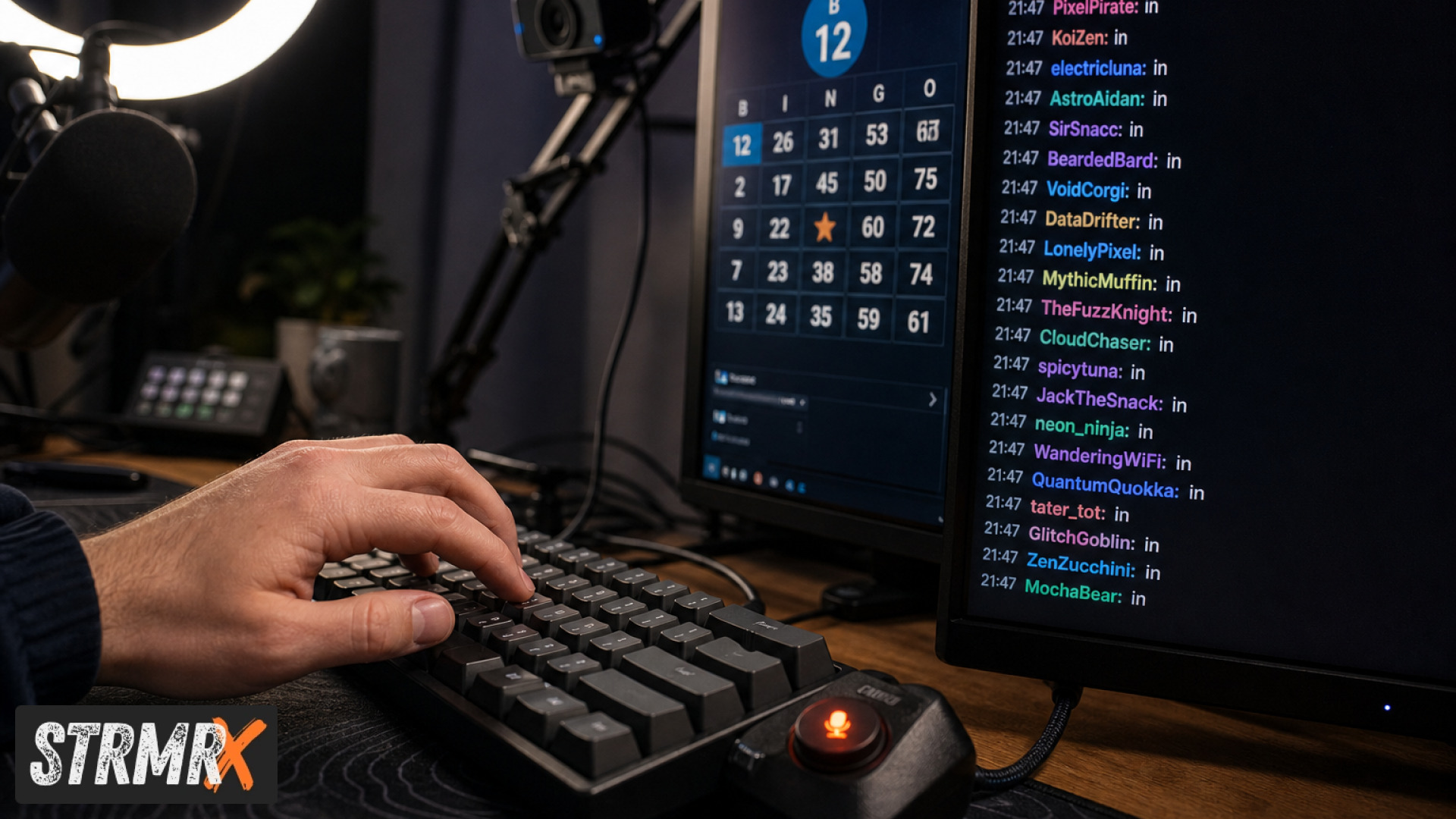
The best twitch chat interaction ideas for a small stream are the ones chat can join in under five seconds, from the chat box, without installing anything. At twenty viewers you are not competing for attention with a second screen. You are competing with the fact that most people watching have nothing to do with their hands.
Everything below works at single-digit viewer counts. None of it needs a download, a Discord role, or a viewer to make an account first.
1. Give chat a job in the first ten minutes
Ask for one specific thing before you start playing: a name for your character, which of two routes to take, a number between one and fifty. A question with two options gets answered; "what do you all think?" does not. The trick is that the first person who types has now typed, and someone who has typed once is far likelier to type again. Front-load this while your viewer count is at its lowest and the barrier is at its highest.
2. Run a game chat can enter with one word
The lowest-friction interactive format is a game that takes a single chat command to
join. BingoX works this way. Viewers type !join,
you call the balls, and the tension does the rest. The reason one-word entry matters is
that every extra step loses people: a link loses some, a signup loses most. Keep the
entry cost at one word and you will routinely get half of a small chat playing.
3. Put a shared goal on screen and let chat move it
A progress bar that only you can move is decoration. One that chat moves is a reason to stay. CollectX puts whatever you are collecting on a grid your chat ticks off live: game sprites, camos, cards, parks. The psychology is straightforward: an unfinished row is an open loop, and people find open loops hard to walk away from. It also gives a lurker something to contribute without speaking.
4. Solve something together
Co-operative beats competitive when your chat is small, because a competition with four entrants is not a competition. PuzzleX runs a real-time puzzle anyone can join and solve together, on stream or at a private table with friends. Two or three people pushing at the same puzzle produces conversation between them, which is the actual goal, which is chat talking to chat rather than only to you.
5. Answer the question nobody asked out loud
Most new viewers have the same three questions: what are you playing, what are the rules here, and where else can they find you. Answer them on a loop instead of every fifteen minutes out loud. BuzzBarX rotates your socials, commands and house rules on a card that swells for hype trains, raids and follows. It removes the most repetitive thing you say all stream, which frees you to say something better.
6. Make the pet the running joke
A shared thing to care about generates its own conversation. StreamPals gives you a chibi pet the whole stream feeds, waters and plays with, and each viewer a pal alongside it. Neglect it and chat will tell you. That is the feature, not a bug: you have created something chat has an opinion about, and opinions are what fill a chat box.
7. Let the bot carry the small talk
You cannot answer every "what's your setup" and still play well. BotBuddyX answers chat, runs commands and keeps the energy going while you focus on the game. Set it to handle the repeated questions and the one-line greetings, and keep your own attention for the things only you can respond to. A chat that always gets an answer stays a chat that keeps talking.
8. End the stream somewhere, not just stop
The last two minutes decide whether anyone comes back, and most small streams spend them scrolling a follow list looking for a raid target. RaidX finds live channels that fit yours, filtered by size, game and camera type, and raids in one click, then remembers who raided you back. Landing twenty people somewhere they enjoy is also the single cheapest way to meet another streamer.
9. Ask chat to decide something that actually matters
Polls fail when the outcome is obviously cosmetic. They work when the stream visibly changes: the difficulty you play on, the order you do things in, whether you keep going for another hour. Give chat a decision with consequences and you convert watching into participating. Do it once a stream rather than constantly. A vote on everything is a vote on nothing.
Which of these twitch chat interaction ideas should you start with?
Pick one and run it for three streams before adding a second. Interaction is a habit your regulars learn, and a habit needs repetition more than it needs variety. If you want the fastest read on whether your chat will bite, start with number one, because it costs nothing and tells you immediately how willing your room is to type.
Every app named here is free on the A tier, runs in the browser, and drops into OBS as a browser source, with no installs and no second password. Have a look at the StreamKit and pick the one that fits the stream you already run.