StrmrX blog
RaidX vs Manual Raiding: Streamers Save 20 Minutes a Night
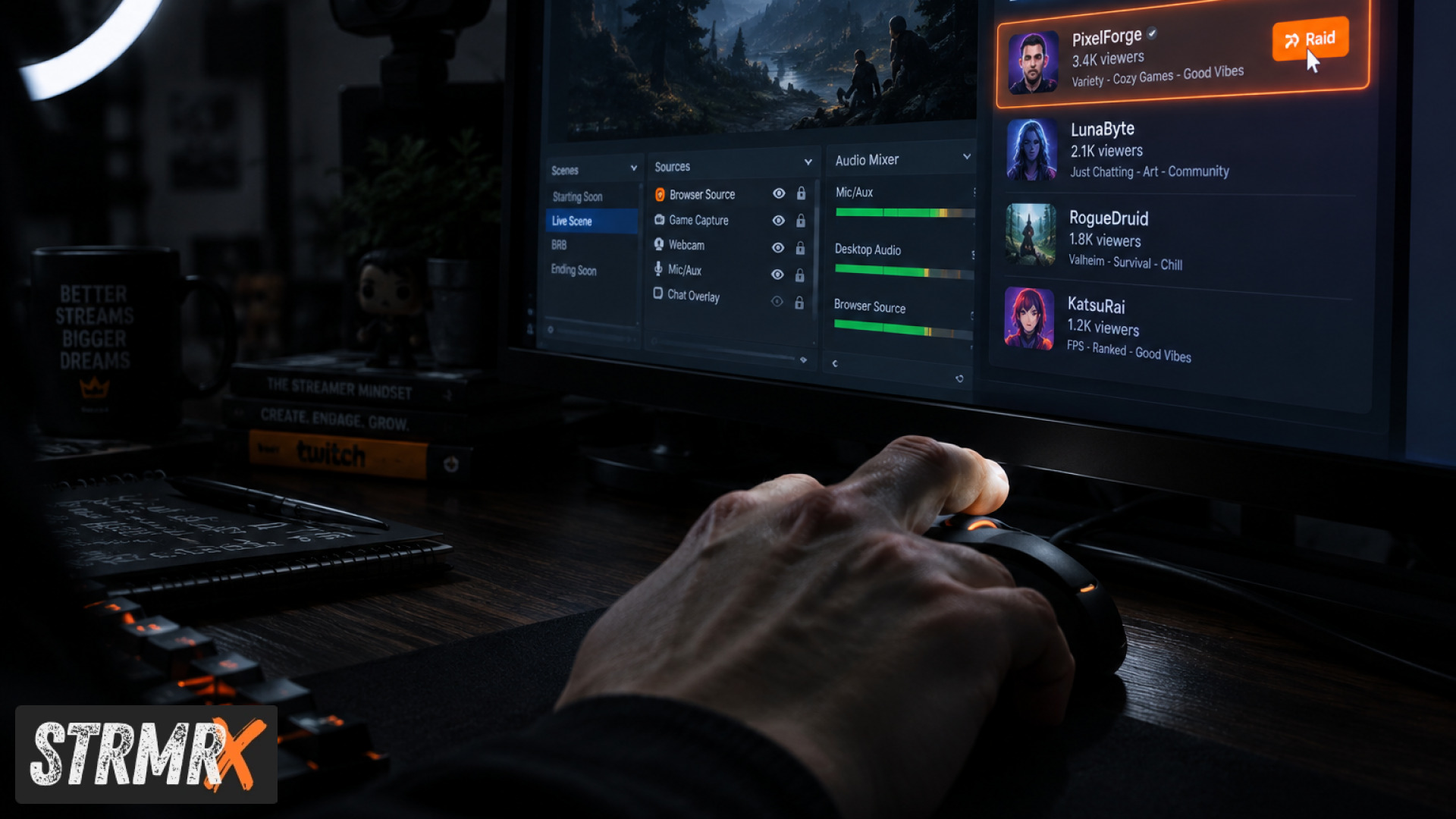
Streamers who raid manually spend roughly 20 minutes a night hunting for a channel, checking it's actually live, sizing up the game and camera setup, then typing out the raid command, and RaidX cuts that down to a single click because it does the searching and the matching for you. That's the whole comparison in one sentence. The rest of this post breaks down exactly where those minutes go and why RaidX, one of the seven free apps in the StrmrX StreamKit, gets rid of most of them.
What's the Difference Between Manual Raiding and RaidX?
Manual raiding means a streamer does every step themselves: browsing the directory, opening tabs to check who's live, eyeballing whether the game and vibe fit, then typing /raid in chat. RaidX automates the discovery part, filtering live channels by size, game and camera type so the streamer just picks from a short, relevant list and raids in one click.
Twitch's own raid command hasn't changed much since it launched, and Twitch's official raids guide still walks through the manual process step by step: open chat, type the command, wait for the countdown. That countdown and command are the same whether you find the channel by scrolling for ten minutes or by clicking a RaidX suggestion. The time difference lives entirely in the search, not the send.
How Much Time Does Manual Raiding Actually Cost?
Manual raiding typically costs streamers 15 to 20 minutes a night once you add up browsing, verifying, and deciding. It feels like it should be fast, but the directory isn't built for matching, it's built for browsing.
A streamer closing out a session usually has to click into the directory, filter loosely by game, then open several channels in new tabs just to confirm they're live, check their average viewer count isn't wildly mismatched, and see if their camera setup (full cam, corner cam, no cam) fits the vibe of the raid. Multiply that by the few nights a week most small and mid-sized streamers go live, and it adds up to real time that isn't spent chatting with the community that just watched the whole show.
Kotaku's raiding system coverage covers how the raid command itself replaced the old, slower method of just telling viewers "go watch this person" and hoping they followed through manually. RaidX takes that same logic one step further by automating the part that comes before the click, the finding.
How Does RaidX Save the Time?
RaidX saves time by doing the filtering automatically: it finds live channels that fit a streamer's size, game and camera type, raids in one click, and remembers who raided them back. The streamer never opens a second tab.
Instead of scrolling the directory, a RaidX user opens the app as a browser source or dashboard panel, sees a short list of live, size-matched, game-matched channels, and clicks once. The app also tracks reciprocal raids automatically, so a streamer doesn't need to keep a mental list (or a sticky note) of who raided them last week and deserves a raid back. That memory feature alone removes a step most manual raiders either skip or do badly.
Like every app in the StrmrX family, RaidX runs entirely in the browser. There's nothing to install, it drops into OBS or Streamlabs Desktop as a browser source, and it signs in through the same free StrmrX account that unlocks BingoX, CollectX, StreamPals, BotBuddyX, PuzzleX and BuzzBarX, all sharing one credit wallet.
What Does It Cost?
RaidX is free to use on StrmrX's A tier, the same tier that unlocks all seven public apps. Manual raiding costs nothing in dollars, obviously, but it costs the time outlined above, every single stream.
Streamers who want premium resources, priority features and early access across the whole StreamKit can move up to S Tier at $9 a month. X Tier at $19 a month unlocks the full StreamKit, every app, plus VIP support, for streamers running multiple tools side by side. Neither paid tier is required to use RaidX's core raid-matching features; the free tier already handles the day-to-day raiding workflow.
Which Should You Choose?
Choose RaidX if raiding is a nightly habit and the minutes spent searching the directory are minutes you'd rather spend talking to your chat as the stream wraps up. Choose manual raiding only if you raid rarely enough, maybe once a week or less, that the time cost never really builds up.
- New streamers setting up their first overlay: RaidX removes a step you'd otherwise have to learn by trial and error.
- Variety and Just Chatting streamers: game-and-size matching matters more when your content shifts night to night, which is exactly what RaidX filters for.
- Streamers with 5 to 500 average viewers: this is the range RaidX's matching is built around, so you're not getting raided by (or raiding into) a channel ten times your size.
- Streamers who raid rarely: manual raiding is fine if you're not doing it every stream.
TechCrunch has written about how Twitch's creator-growth tools, TechCrunch on Twitch features, are built to help streamers drive traffic collaboratively rather than compete for the same viewers. RaidX leans into that same idea by making reciprocal, well-matched raids the default instead of the exception.
Conclusion: Is RaidX Worth It for Streamers?
For streamers online every week who raid as part of their sign-off routine, RaidX is worth it because it turns a 15 to 20 minute manual search into a one-click action, without costing anything on the free A tier. The caveat is honest: if you raid once in a blue moon, manual raiding through Twitch's native command works fine and the time savings won't matter much to you.
StrmrX is a two-person independent studio built by streamers for streamers, which is why RaidX (like the rest of the StreamKit) is deliberately small, fast and low-friction instead of another heavy dashboard to manage. Try RaidX free at strmrx.com, sign in once with your StrmrX account, and raid in one click tonight. Questions first? Reach the team at vibe@strmrx.com.
Frequently Asked Questions
Does RaidX's reciprocal raid tracking work if someone raids you from a channel you've never raided before?
Yes, RaidX logs raids coming in regardless of your prior history with that channel, so it can still flag them as a "raid you back" candidate later. You don't need an existing relationship with a streamer for the app to remember the favor and surface it next time you're picking who to raid.
How do I add RaidX to OBS if I'm already running other StrmrX apps like BotBuddyX or PuzzleX?
You add RaidX the same way as any other StrmrX app: drop it in as a browser source in OBS or Streamlabs Desktop and sign in with your existing StrmrX account. Since all seven apps share one credit wallet and login, running RaidX alongside BotBuddyX or PuzzleX doesn't require a separate setup or a second account.
Is RaidX's game-and-size matching more useful than Twitch's native raid command for variety streamers specifically?
For variety and Just Chatting streamers, yes, because your content and audience size can shift night to night, and Twitch's native raid command has no filtering built in, it just sends the raid once you've already found a channel. RaidX does the filtering for you by surfacing live channels matched to your current game and viewer range, which matters more when your content isn't the same every stream.
What happens to the 20 minutes RaidX saves if I only stream once a week?
If you only raid once a week or less, the time savings barely register, and the post is upfront that manual raiding through Twitch's native command works just fine at that frequency. RaidX's value shows up for streamers who raid as a nightly sign-off habit, where those 15 to 20 minutes repeat multiple times a week and actually add up.
Do I need to upgrade to S Tier or X Tier to use RaidX's core raid-matching features?
No, RaidX's core features, including live filtering by size, game, and camera type plus reciprocal raid tracking, are fully available on the free A tier. S Tier ($9/month) and X Tier ($19/month) add premium resources, priority features, and VIP support across the whole StreamKit, but neither is required for RaidX's day-to-day raiding workflow.